
Guides
No Snooze Alarm Clock: 3 Ways to Get an Alarm You Can't Snooze
Quick answer
A no snooze alarm clock has no button to buy ten more minutes. You can get one three ways: a bedside clock without a snooze button, your iPhone alarm with Snooze turned off, or an alarm app you turn off by getting up. Here's how each one works, what to look for, and why Daylino, a no snooze alarm you stop by snapping a spot away from your bed, is our pick.
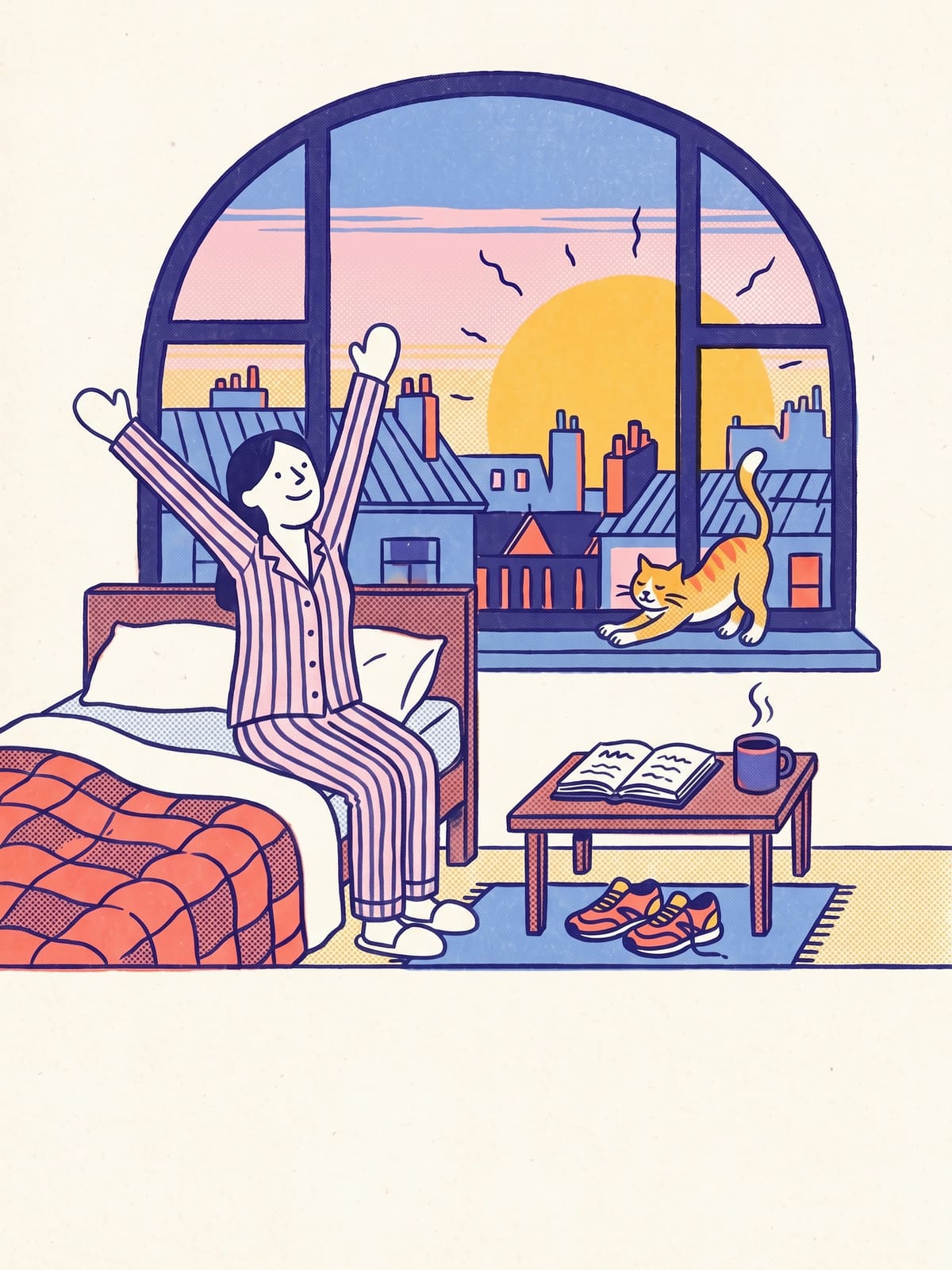
TL;DR: A no snooze alarm clock is an alarm with no button to delay it. There are three ways to get one: a bedside clock built without a snooze button, your iPhone alarm with Snooze switched off, or an alarm app that only stops when you get up. The first two remove the button, but you can still switch the alarm off and roll over. Our pick is Daylino, the no snooze alarm we make for iPhone: it stops only when you snap a live photo of a spot away from your bed. Daylino is coming soon to the App Store.
If you've ever hit snooze five times and woken up late anyway, a no snooze alarm clock sounds like the obvious fix. Take the button away and you have to get up. That's partly true. A missing snooze button stops the slow drift of ten-minute delays. It doesn't stop the other move: turning the alarm off and going back to sleep.
So the useful question isn't only "which alarm has no snooze?" It's "which alarm can't be switched off from bed?" Below we compare the three kinds of no snooze alarm, what each one does well, and what to look for before you pick.
What is a no snooze alarm clock?
A no snooze alarm clock is any alarm with no snooze option when it rings. You get one choice: stop it. Some are physical bedside clocks made without a snooze bar. Others are settings or apps on your phone.
The appeal is simple. Snooze turns one decision into many. Every press is another small negotiation with a sleepy version of you. With no snooze, there's nothing to negotiate.
Three ways to get an alarm with no snooze
A bedside clock without a snooze button
Some bedside alarm clocks are sold with no snooze button at all. You set a time, it rings, and the only control is off.
- Good for: people who want the phone out of the bedroom.
- The catch: the off switch is usually right there on the clock. If the clock sits within reach, you can switch it off without opening your eyes.
- Tip: put it across the room, so stopping it means standing up.
Your iPhone alarm with Snooze turned off
You don't need to buy anything to remove snooze on iPhone. Apple's alarm guide shows a Snooze switch for each alarm: turn it on to see a Snooze option when the alarm sounds, or leave it off.
- Open Clock and tap Alarms.
- Tap the alarm you want to change.
- Turn off Snooze, then save.
Now the alarm only offers a way to stop it. Our guide on how to change snooze time on iPhone covers snooze lengths if you'd rather keep a short one.
- Good for: a free fix tonight.
- The catch: stopping the alarm is still one gesture on the screen next to your pillow.
An alarm app you turn off by getting up
The third kind removes snooze and moves the off switch out of bed. These apps ask you to do something that needs you on your feet before they go quiet, like taking a photo of a spot in another room. We compared several in our guide to the alarm app that makes you get out of bed.
- Good for: anyone who switches alarms off half asleep.
- The catch: you need to choose a spot and keep your phone charged and nearby.
What to look for in a no snooze alarm
Whichever kind you pick, check these five things:
- No snooze at all. Not a hidden or smaller snooze, but none.
- Stopping it takes standing up. This is the part most no snooze alarm clocks miss.
- It still rings when your phone is quiet. On iPhone, Apple says Silent mode and Do Not Disturb don't affect the Clock alarm sound. Check the same for any app you use.
- A backup if you silence it. A half-asleep button press shouldn't end your morning.
- A kind tone. You want an alarm you'll keep using next week, not one you delete after a hard morning.
Daylino: our pick for a no snooze alarm
Daylino is "an alarm you turn off by getting up." It's the no snooze alarm we make for iPhone, and it checks every box above.
Here's how it works:
- There's no snooze button. To stop the alarm, you snap a live photo of a spot away from your bed: the sink, your toothbrush, the kettle, a glass of water.
- It rings through silent mode and Focus, using Apple's AlarmKit.
- It keeps trying, kindly. If you silence it with the side button, it rings again a minute later, for up to 15 minutes. If you can't snap your spot, you can hold for 30 seconds, and the morning is logged as "turned off by hand."
- A second snap starts your morning. Within two hours, snap the first minute of your goal: shoes on, a book open, the mat out.
Why we think Daylino is the best no snooze alarm clock for iPhone:
- No snooze, and no off switch in bed. A bedside clock or the Clock app removes the button. Daylino also moves the off switch to your sink or kettle.
- You're up when it stops. By the time you've snapped the spot, you're out of bed and on your feet.
- A side-button press isn't the end. It rings again a minute later, so a half-asleep press doesn't cost you the morning.
- Your morning gets a start. The second snap turns "I'm up" into "I started," whether that's a run or ten pages.
- Kind, not harsh. Rest days never count against you, and a missed morning is just a missed morning.
- Private. No account. Your snaps are checked on your phone. Only when it's unsure, and you're online, a small copy is checked on a server and not kept.
Daylino runs on iPhone with iOS 26 or later. It has no free version: it's $29.99 a year after a 3-day free trial, or $59.99 lifetime.
Start the morning you planned with Daylino. Coming soon to the App Store.
How to make a no snooze alarm work
A no snooze alarm works best with a few small changes around it:
- Pick a spot you pass anyway. The bathroom sink or the kettle works well, because you'd go there next.
- Charge your phone away from the bed if you use a bedside clock or the Clock app.
- Keep the time realistic. Set the alarm for when you really mean to get up, not 30 minutes early "just in case."
- Plan the first five minutes. Water, light, shoes on. A clear first step makes getting up easier to repeat.
- Be kind about misses. One late morning doesn't undo the week.
For more ideas, see our guide on how to stop snoozing your alarm.
FAQ
Is there an alarm clock that prevents snoozing?
Yes. Some bedside clocks have no snooze button, and on iPhone you can turn Snooze off for any alarm in the Clock app. Daylino has no snooze at all and stops only when you snap a spot away from your bed.
How do I make my iPhone alarm not snooze?
Open Clock, tap Alarms, tap the alarm, and turn off Snooze. Apple's guide shows the Snooze switch for each alarm.
What's the difference between a no snooze alarm and a get-up alarm?
A no snooze alarm removes the snooze button. A get-up alarm also asks you to leave the bed before it stops. Daylino does both.
Does Daylino have a snooze button?
No. Daylino has no snooze. It stops when you snap a live photo of a spot away from your bed, and it rings again if you silence it with the side button.
Is Daylino free?
No. Daylino is $29.99 a year after a 3-day free trial, or $59.99 lifetime. It's coming soon to the App Store.
The short version
A no snooze alarm clock takes away the button, and that alone helps. A bedside clock without snooze or the Clock app with Snooze off are both easy starts. If you also switch alarms off from bed, get Daylino when it lands on the App Store: no snooze, and the only way to stop it is to get up.