
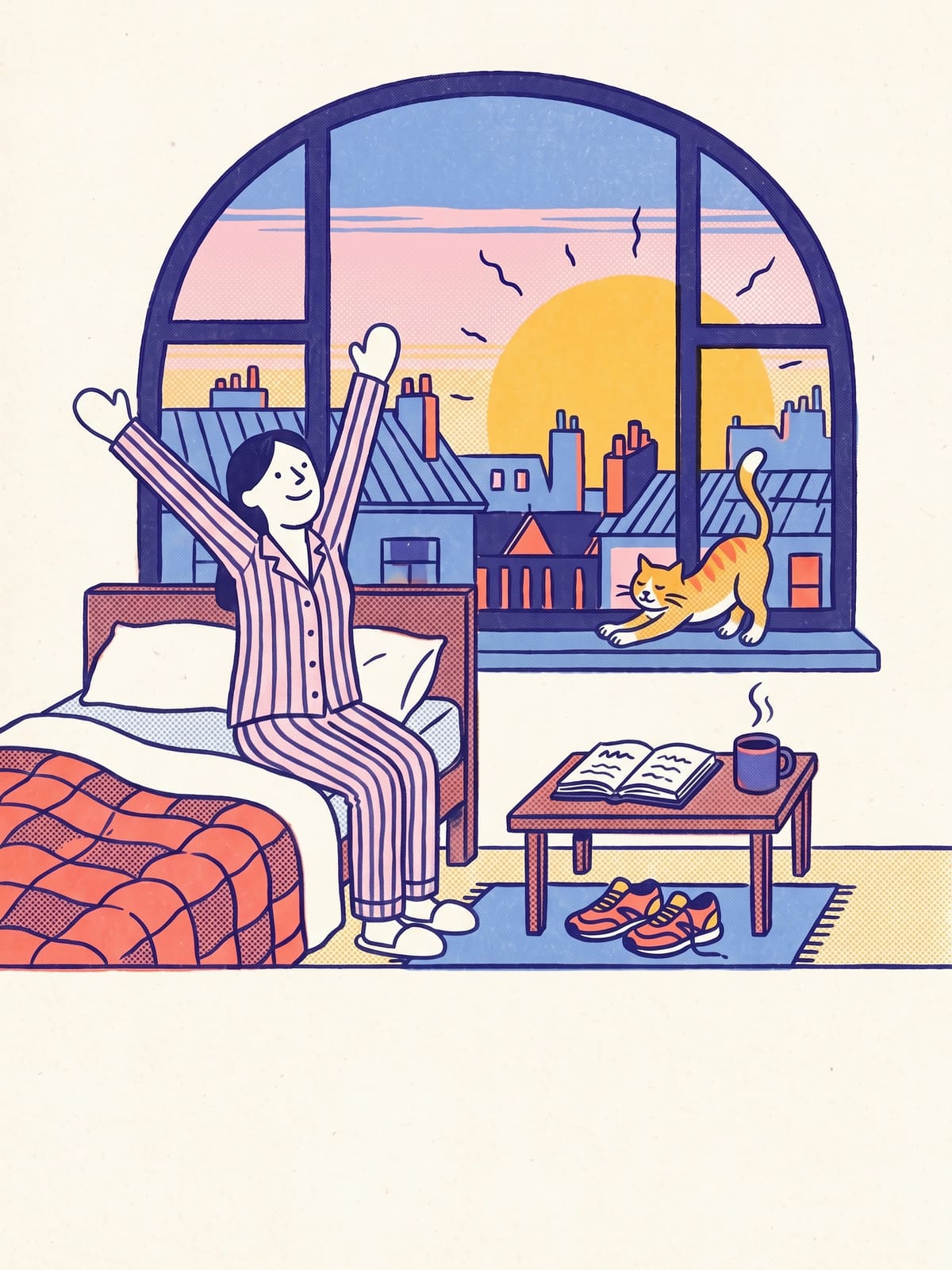
Start the morning you planned.
An alarm you turn off by getting up.
Daylino stops ringing when you snap a photo of a spot away from your bed. Then it asks for one more snap, to show your morning goal has started.

On the App StoreFor iPhone, with iOS 26 or later
Quick answer
Daylino is a photo alarm for iPhone with iOS 26 or later. A fresh photo of a chosen object category completes the wake-up task; a 30-second hold can stop it manually. Most morning goals use a second snap, while meditation uses a still timer. Daylino is on the App Store.
How Daylino worksWhere does your morning usually go wrong?
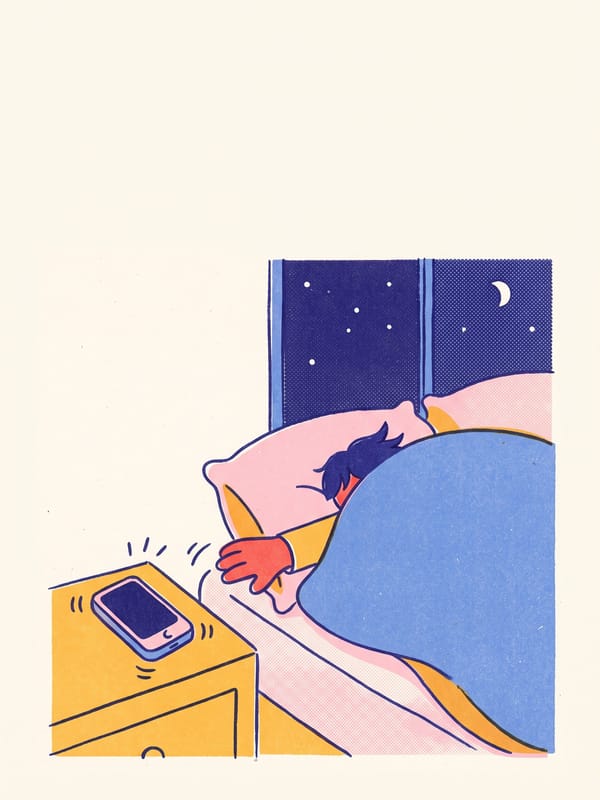
“I keep snoozing.”
57% of working adults hit snooze most mornings.
Mattingly et al., Sleep, 2022 · 450 adults
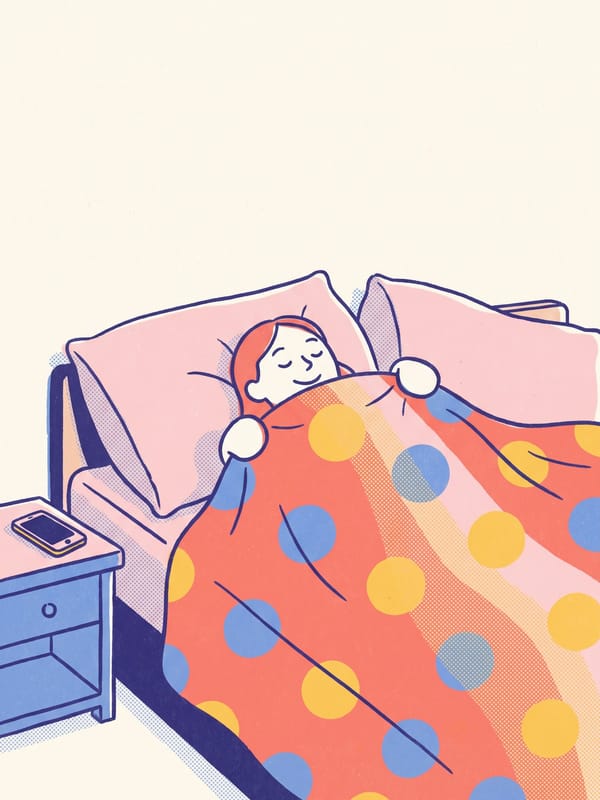
“I turn off the alarm and go back to bed.”
69% of adults don’t always get up at the first alarm.
Sundelin et al., J. Sleep Research, 2023 · 1,732 adults
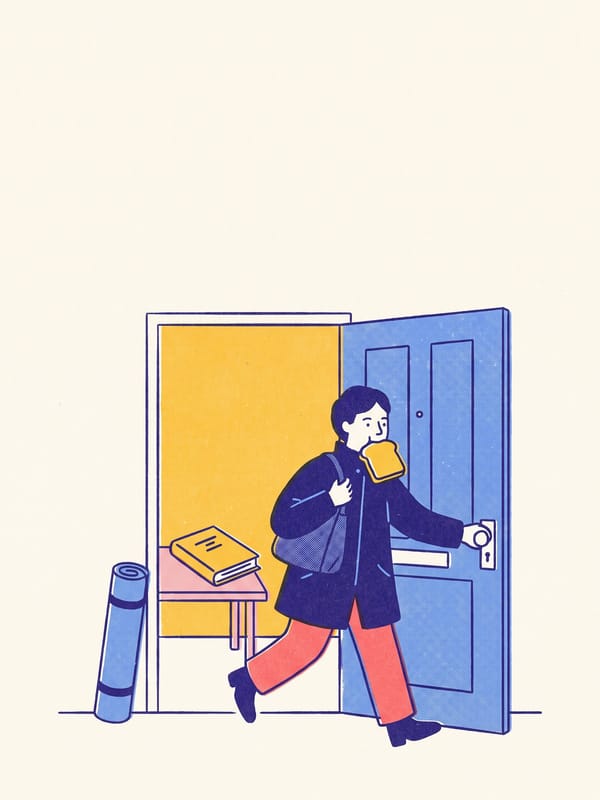
“I get up, but never get to what I planned.”
46% of people who plan to exercise don’t follow through.
Feil et al., Br. J. Sports Medicine, 2023 · meta-analysis
You’re not alone. Daylino is made for all three.
One morning, two snaps.
A weekday with a 06:30 alarm, the bathroom sink as the spot, and reading as the goal.
- Alarm rings
- Turn it off
- Read
It rings.
Through silent mode and Focus, with today’s spot on the screen. There’s no snooze button.
Hear the alarm
Bright and steady
Daylino’s ringing screen: Tue, Oct 20, 06:30, the alarm sound playing, and today’s spot. To turn it off: Snap your sink. Open camera. No snooze button.
Snap a spot away from your bed.
Walk to the sink and take the photo in Daylino’s camera. When it matches, the sound stops. Every snap is taken live, so an old photo won’t do.
Snaps are checked on your phone and kept only there. When the phone isn’t sure and you’re online, a small copy is checked online and isn’t kept.
The bathroom sink in Daylino’s camera, while the snap is checked. You’re up.
That’s the first proof. Next is the thing you planned. Snap its first minute now, or tap Later: the start can wait up to 2 hours.
You’re up. Reading is next: an open book, an e-reader or study notes. Snap any one when you start. Snap it now, or Later. Then show it’s started.
Open the book and snap it. That’s the second proof, and the only thing that makes a morning count as started.
Started mornings fill your week in gold, with your own photos. Rest days never count against you.
This morning’s start snap, an open book, in a gold ring. The week so far: Monday and Tuesday started, Wednesday to Friday still to come, no alarm at the weekend. 2 of 5. Or the day closes, quietly.
Tapped Later? The start waits on Home, with one reminder ten minutes after you’re up. If nothing starts within 2 hours, the day closes as “Up, not started”. Nobody is held hostage by their phone.
On the lock screen at 06:42: one reminder, Still time to read. A tap opens the camera.
Two proofs. Never a “mark as done” tap.
Every alarm has its own spots and its own morning goal. You choose both when you set it, and can change them any time.
To stop the alarm: a spot away from your bed.
Pick one or more. With two or more, Daylino picks one each morning, never the same as yesterday.
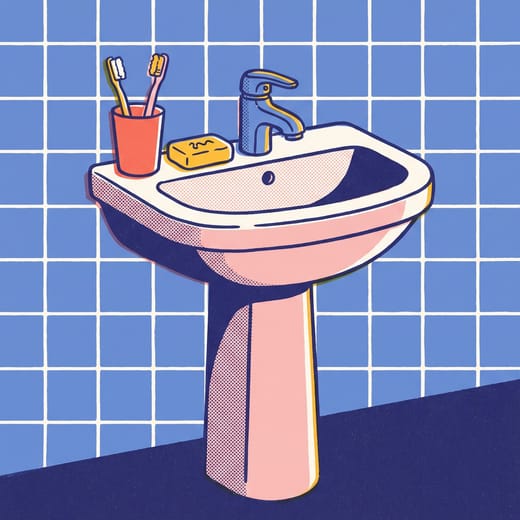 Bathroom sink
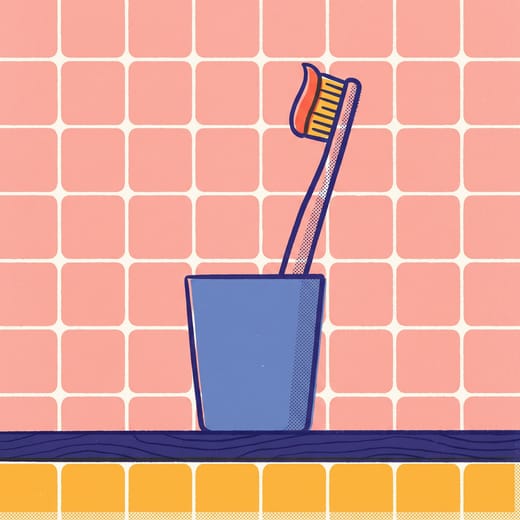 Toothbrush
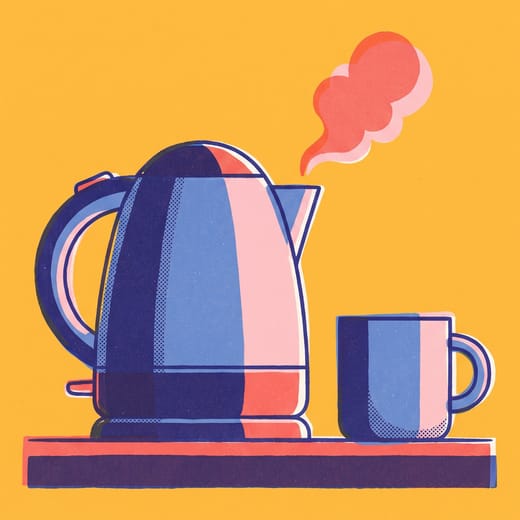 Coffee or kettle
 Glass of water
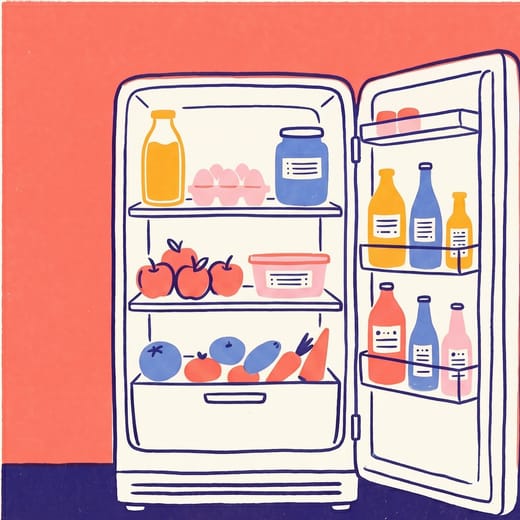 Inside the fridge
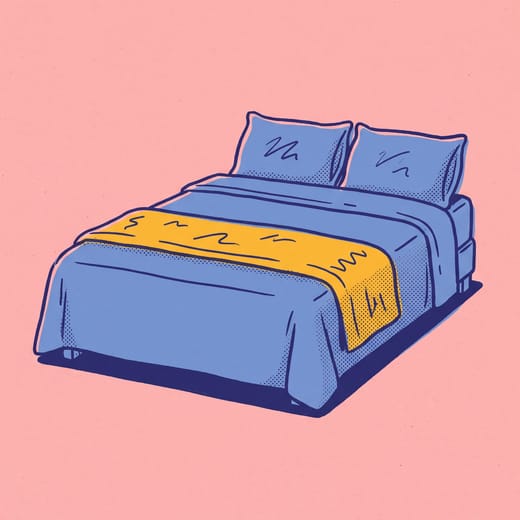 Made bed
To start your morning: the first minute of your goal.
Nothing to pick. Any one of these counts.

Exercise
 Packed gym bag
 Shoes on
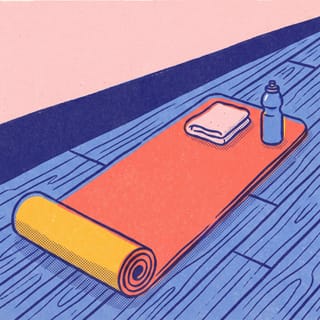 Mat rolled out

Read or study
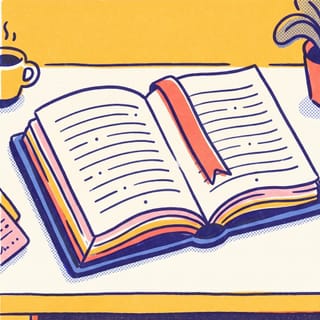 Open book
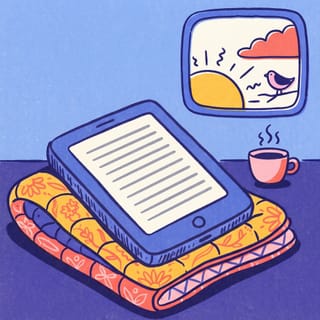 E-reader on
 Study notes open

Plan or journal
 Top task written down
 Planner or journal open
 Sticky note on your laptop
 Whiteboard list

Meditate
 Phone face-down and still, 5 minutes
Breakfast
 Plate on the table
 Pan on the stove

Your own goal
 Any fresh photo, the moment you start
Stop it any other way, and it rings again.
iPhone lets anyone silence an alarm with the side button, and no app can block that. So Daylino rings again a minute later, and keeps at it for up to 15 minutes, until your spot is snapped.
Can’t snap it? Snap another of your spots, or hold for 30 seconds to turn it off. It keeps ringing while you hold, and the morning is logged as “Turned off by hand”.
- Alarm rang · Read or study
- Stopped with the side button
- Still ringing · Snap your sink
- Up · Bathroom sink
No account. Your mornings stay on your phone.
- Nothing to sign up for: no email, no password.
- Your alarms, your goal, your history and your snaps live on your iPhone.
- Snaps are checked on your phone and kept only there. When the phone isn’t sure and you’re online, a small copy is checked online and isn’t kept.
- Turn off “Show my snaps” and your photos are hidden everywhere in the app.
- Delete the app, and they go with it.
“How we spend our days is, of course, how we spend our lives.”
Start the morning you planned.
On the App StoreFor iPhone, with iOS 26 or later