
Guides
Alarm App That Makes You Get Out of Bed: How They Work and Which to Pick
Quick answer
Not every "get up" alarm actually gets you out of bed. Which alarm missions you can still do under the covers, which ones make you stand up, and how to choose an alarm app that turns off only once you're up.
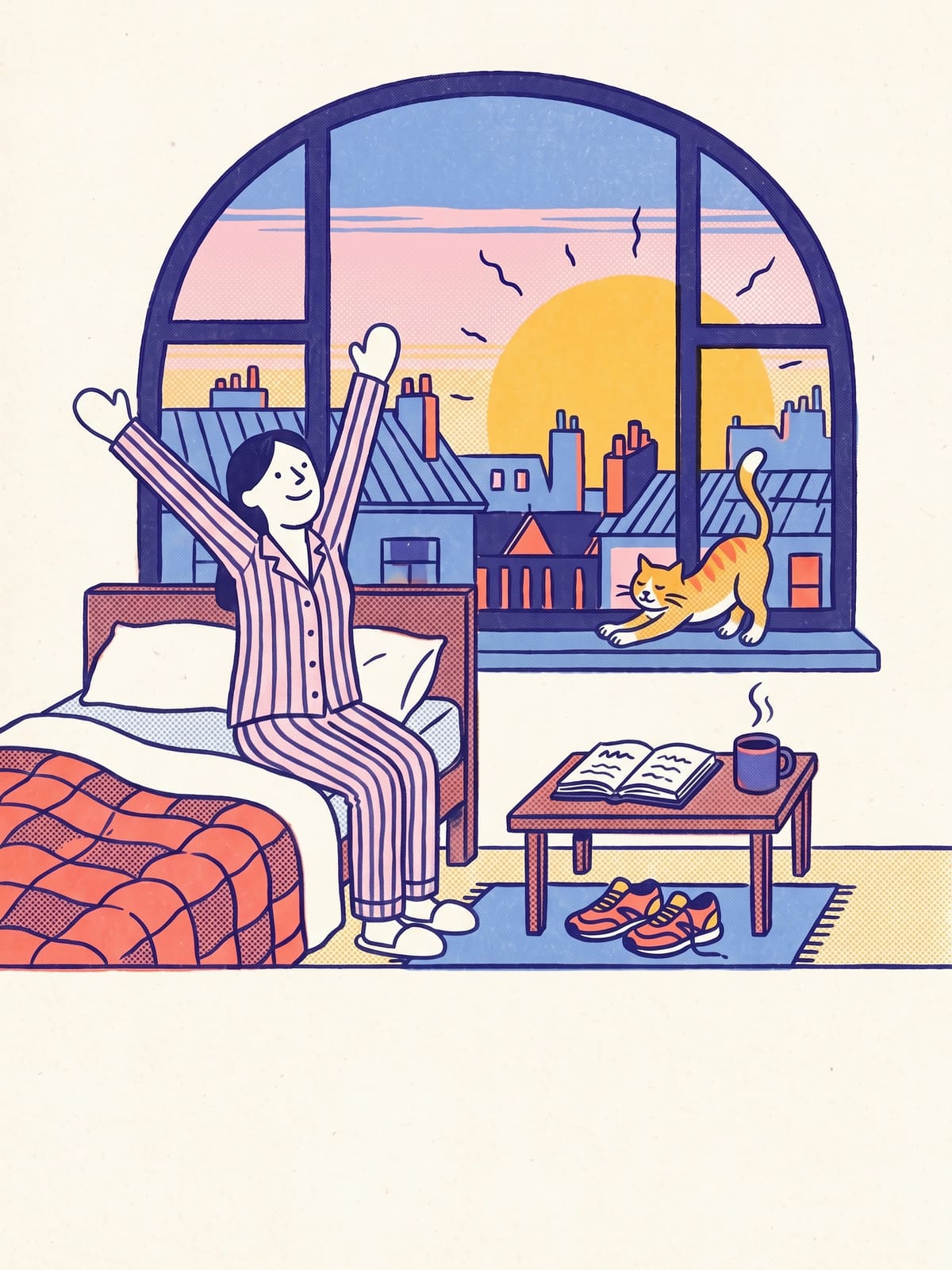
TL;DR: An alarm app makes you get out of bed only if the thing that turns it off is somewhere else. Pick a mission like photographing a spot in another room or scanning a code you keep there. Math, memory games, and shaking can all be done under the covers. Our pick is Daylino, an iPhone alarm built around this one idea: no snooze button, a live snap of a spot away from your bed to stop it, and a second snap to show your morning has started. It's coming soon to the App Store.
The alarm apps that get you out of bed all work the same way: they stop ringing only after you do something away from your bed. The most reliable version is a photo or scan of a fixed spot, like your bathroom sink or coffee maker. Once you're standing there, the hardest part of the morning is done.
If you've ever switched off an alarm and woken up an hour later with no memory of it, this guide is for you. It explains which alarm missions actually work for getting up, what your options are on iPhone, and how to set one up so it sticks.
What makes an alarm actually get you out of bed
There's one test: can you turn it off without standing up? If the answer is yes, you can turn it off half asleep.
That's why so many people move their phone across the room. It works until the day you walk back to bed with the phone in your hand. A get-up alarm takes this one step further. It ties the off switch to a place in your home, not to the phone.
Which alarm missions make you get out of bed
Alarm apps call the task you do to stop the alarm a "mission." Some need you up. Some don't.
Missions that get you out of bed:
- A photo of a spot. You take a photo of a place you chose the night before, like the sink. The alarm stops when the photo matches.
- Scanning a barcode or QR code. You scan a code on something you keep in another room, like a toothpaste tube or a printed code on the kitchen counter.
- Walking or squats. You have to stand up, though you could do them right beside the bed and climb back in.
Missions you can do in bed:
- Math problems and memory games. They wake up your brain, but not your legs.
- Shaking the phone. You can do it lying down.
If the goal is getting up, use a photo or scan of a spot outside your bedroom. It's the only mission that needs you to be somewhere else.
Alarm apps that make you get up on iPhone
Here are the options, starting with the one built only for getting up.
- Daylino (our pick): the alarm we make, coming soon to the App Store for iPhone. It has no snooze button, stops only when you snap a spot away from your bed, rings again if you silence it, and asks for a second snap to show your morning has started. More on how it works below.
- Alarmy: a well-known mission alarm. Its App Store page lists missions like math, memory games, shaking and squats, plus a Photo Mission. Many of those missions can be done in bed, so you have to choose the right one.
- SuperAlarm: free to download, with missions that include barcode scanning, object scanning and walking.
- Your iPhone's own alarm: put it across the room and turn off Snooze. It costs nothing, but nothing stops you walking back to bed with the phone in your hand.
How Daylino gets you out of bed
Daylino's whole idea fits in one line: an alarm you turn off by getting up.
- It rings, with no snooze button. Daylino rings through silent mode and Focus, and shows today's spot on the screen.
- You snap a spot away from your bed. Choose one or more places in the app, like your bathroom sink, toothbrush, coffee maker, a glass of water, or the inside of the fridge. Every snap is taken live, so an old photo won't work. When the photo matches, the sound stops. If you choose two or more spots, Daylino picks a different one each morning.
- Then you show your morning has started. Within two hours, snap the first minute of your goal: an open book, shoes on, a mat rolled out. That second snap is what makes a morning count.
What if you silence it with the side button? iPhone lets anyone do that, and no app can block it. So Daylino rings again a minute later, for up to 15 minutes, until you snap your spot. If you really can't snap it, you can snap another of your spots or hold for 30 seconds. That morning gets logged as "Turned off by hand," with no lecture.
Started mornings fill your week in gold with your own photos, and rest days never count against you. If you'd like a change from photos, there are other ways to wake up too, like smiling in the mirror or letting the light in.
Your snaps are checked on your phone and stay there, and there's no account. When the phone isn't sure and you're online, a small copy is checked online and isn't kept. See the privacy policy.
Daylino is a paid app with no free version. The yearly plan is $29.99 and starts with a 3-day free trial, and there's a one-time $59.99 lifetime option. It needs iOS 26 or later.
See how Daylino works. It's coming soon to the App Store.
How to make any get-up alarm work
The app does half the job. These choices do the rest.
- Choose a spot you have to walk to. The bathroom sink or the kitchen works better than your nightstand or the bedroom door.
- Pick a spot that's part of your morning. If your spot is the coffee maker, you're already standing where your day starts.
- Set one realistic alarm. A string of early "just in case" alarms teaches you to ignore them. Set one for the latest time that still works.
- Give the first minute a job. Getting up is easier when you know exactly what comes next.
For more on breaking the snooze habit, read how to stop snoozing your alarm.
What if you're a heavy sleeper?
A get-up alarm helps you stay up once you hear it. It can't make you hear it. If you sleep through alarms, start with a louder sound and keep the phone where you'll hear it but can't reach it. An alarm that rings again after you silence it, like Daylino, helps too.
If you often sleep through alarms and feel tired all day, talk to a doctor. That's worth checking, and no app can fix it.
FAQ
Is there an alarm that makes you get out of bed?
Yes. Alarm apps with a photo or scan mission stop ringing only when you photograph or scan something away from your bed. Daylino, coming soon for iPhone, is built entirely around this: no snooze, and the alarm stops only when you snap your spot. Alarmy and SuperAlarm also offer photo or scan missions.
What is the best alarm app to make you get up?
The best one is the one you can't turn off from bed. We built Daylino for exactly that: there's no snooze button, it stops only when you snap a spot away from your bed, and it rings again a minute later if you silence it. A second snap within two hours shows your morning has actually started.
Can I make my iPhone alarm make me get out of bed?
Not with the built-in Clock app alone. You can turn off Snooze and charge your phone across the room, but you can still turn it off and go back to bed. For an off switch away from your bed, you need an app with a photo or scan mission.
Can I cheat a photo alarm?
It depends on the app. Daylino only takes live snaps in its own camera, so an old photo won't work, and the snap has to match the spot you chose. If you silence it with the side button, it rings again a minute later for up to 15 minutes.
Is Daylino free?
No. Daylino has no free version. The yearly plan is $29.99 with a 3-day free trial, or $59.99 once for lifetime. It's for iPhone with iOS 26 or later and is coming soon to the App Store.
Start tomorrow morning
Tonight, choose one spot outside your bedroom. Put something there you'll need in the morning, like your toothbrush or a glass of water. Then set one alarm for the latest time that works. When you want an alarm that only turns off once you're standing at that spot, take a look at Daylino, coming soon to the App Store.