
Guides
How to stop snoozing your alarm without cutting sleep short
Quick answer
If snoozing makes you late, protect enough sleep first, choose a realistic wake time, turn off Snooze, put the alarm safely out of reach, and prepare one small next step. Snoozing is common, not proven inherently harmful. Persistent daytime sleepiness deserves medical advice. Daylino can add a wake-up task, but it cannot replace sleep.
Disclosure and method: We make Daylino. This guide uses the linked sleep research, CDC guidance and Apple instructions, checked on 30 October 2026. It is desk research and practical suggestions, not a clinical assessment or a tested treatment program.
First, is snoozing actually bad?
The evidence does not justify saying that every snooze harms your sleep or makes morning grogginess worse. In a laboratory study of 31 habitual snoozers, 30 minutes of snoozing improved or did not affect performance on cognitive tests immediately after waking. Participants lost about six minutes of sleep, and researchers found no clear effects on sleepiness, mood or cortisol.
That small study does not prove that snoozing benefits everyone or answer every long-term question. It does mean categorical warnings go beyond the evidence. If a short snooze works for you, you do not need to treat it as a moral failure. This guide is for snoozing you want to change because it makes you late or leaves your morning rushed.
Protect enough sleep before changing the alarm
The CDC recommends at least seven hours for adults aged 18 to 60. Needs vary with age and person; seven hours is not a universal target or a guarantee of feeling rested. Time in bed also includes time spent falling asleep or awake overnight.
Work backward from your required wake time and leave a realistic sleep opportunity. Keep sleep and wake times reasonably consistent where your circumstances allow. A harder-to-dismiss alarm cannot make an insufficient night sufficient.
Try two changes for a week
Treat this as a small self-observation exercise, not a promise of a seven-day cure. Pick two changes that fit your situation.
1. Set a realistic wake time
Write down when you need to leave or begin work. Allow time to get ready and a buffer. Set the alarm for that realistic time rather than scheduling a chain of early alarms solely to dismiss them.
Do not cut the buffer so closely that one slow morning creates a problem. If you cannot make room for enough sleep, revisit the evening schedule rather than only strengthening the alarm.
2. Remove the Snooze button if you do not want it
For a regular iPhone alarm, Apple's Clock guide describes the Snooze control:
- Open Clock and choose Alarms.
- Open the alarm you want to change.
- Turn Snooze off and save the change.
Controls can differ by iOS version and alarm type. Turning Snooze off does not prevent you from stopping the alarm and going back to bed. Test the change before an important morning.
3. Move the alarm, if safe for you
Try a stable surface beyond arm's reach, while keeping the alarm audible and the route clear. If mobility, balance or another access need makes that unsuitable, choose a different change. The aim is a useful action, not a difficult obstacle course.
4. Prepare one small next step
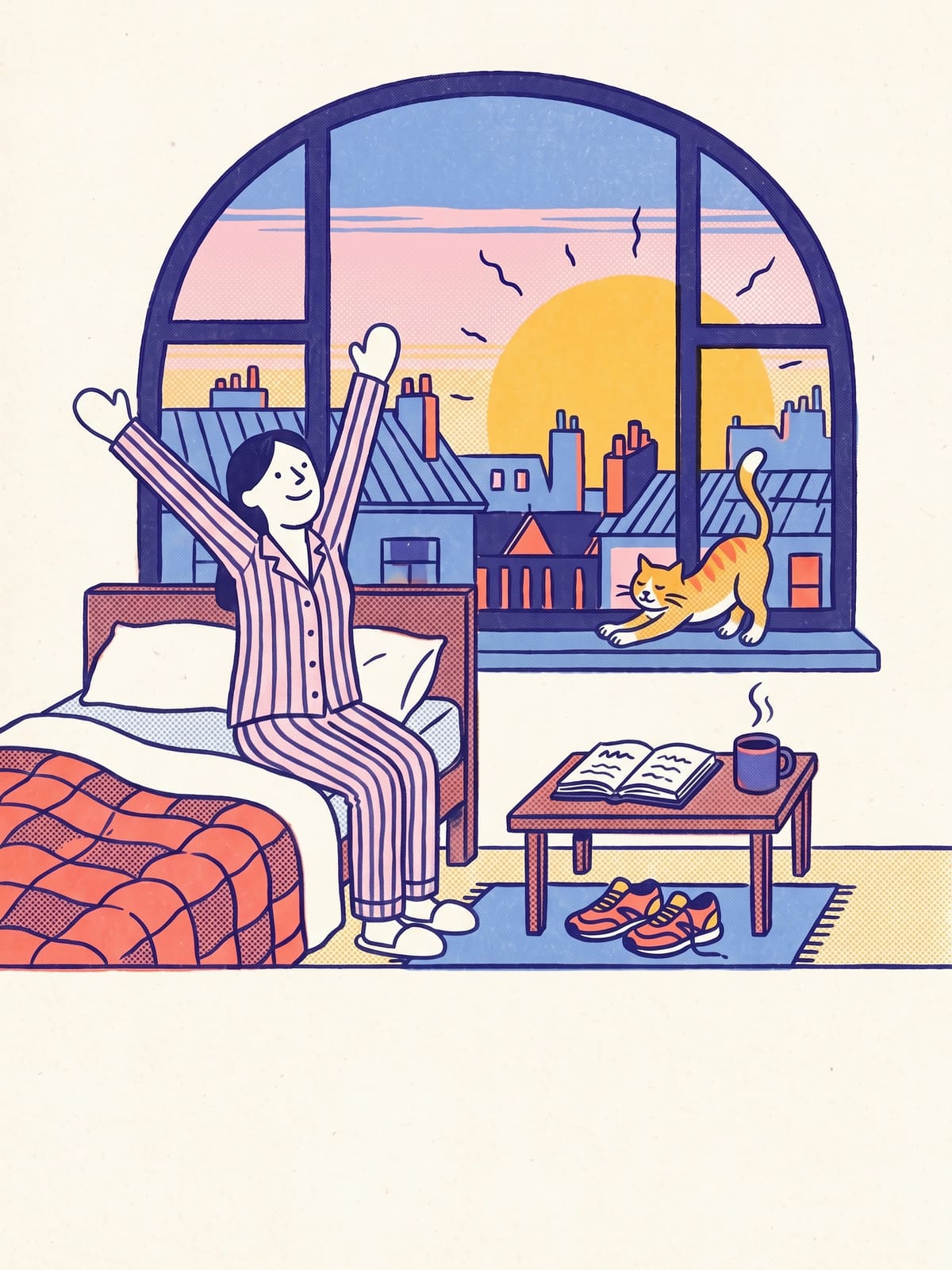
Leave a book open at the table, put clothes where you can reach them, or write down the first task. Make the next action specific enough that you do not have to invent a morning routine while half awake. This is an organizational suggestion, not evidence that a particular ritual treats sleepiness.
Keep a useful record
For the week, note bedtime, approximate sleep, alarm time, actual getting-up time and daytime sleepiness. Add context such as illness or an unusually late night. Review whether the changes helped you meet your own goal, rather than grading yourself against a streak.
If you regularly struggle to wake or stay alert despite allowing enough sleep, discuss it with a health professional. CDC guidance recommends seeking help for regular sleep problems. An alarm app cannot diagnose or treat the cause.
Where a task alarm might fit
Daylino is coming soon for iPhone with iOS 26 or later. It is paid after a trial, with no ongoing free version. Its standard spot snap asks for a fresh image of a category such as a sink, not proof of your location. Other stops can trigger re-rings for up to 15 minutes, and a 30-second manual-off option remains.
If that extra task suits you, read the photo-alarm setup and limits. Start with enough sleep and a workable morning, whether or not you use Daylino.