
Guides
Barcode Alarm Clock: How Scan-to-Stop Alarms Work, and a Better Pick for iPhone
Quick answer
A barcode alarm clock makes you scan a barcode or QR code away from your bed before it stops. That gets you standing. Here's how barcode and QR alarms work on iPhone, what falls short, and why Daylino, which turns off when you snap a spot away from bed, is our pick. Coming soon to the App Store.
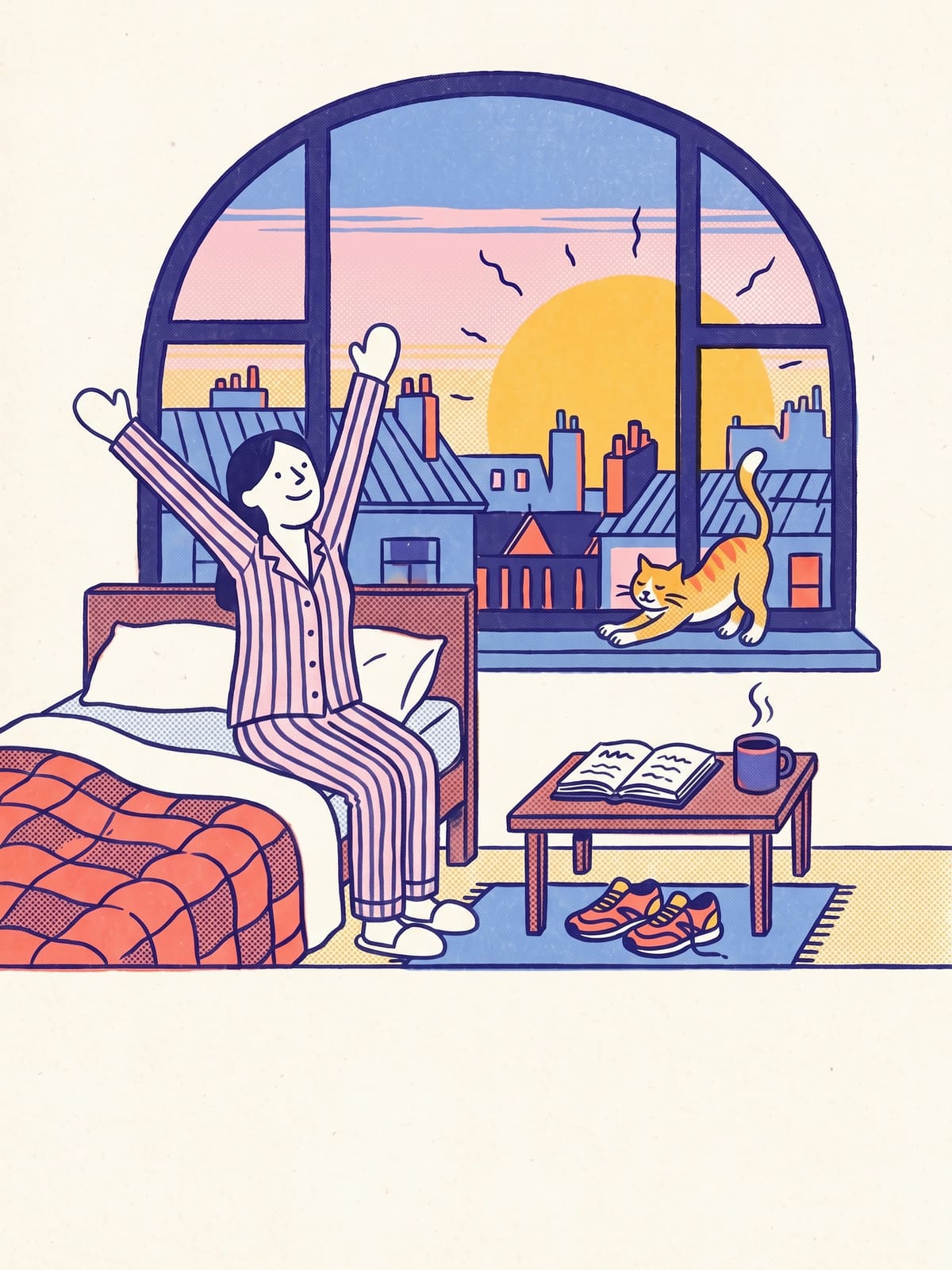
TL;DR: A barcode alarm clock keeps ringing until you scan a barcode or QR code you placed away from your bed. That gets you on your feet. Our pick is Daylino, the iPhone alarm we make: there is no snooze, and it turns off only when you snap a live photo of a spot away from your bed, like the bathroom sink. A second snap then shows your morning goal has started. Daylino has no barcode, QR or NFC missions. It has no free version. Daylino is coming soon to the App Store.
A barcode alarm clock is a popular fix for heavy sleepers. Put a code on the toothpaste, the coffee bag or the fridge. When the alarm rings, you have to walk over and scan it. No scan, no quiet.
That idea works for getting you out of bed. It also has a few catches: you need a printed or product barcode handy every morning, some apps still offer a short snooze or backup cheat, and stopping the alarm does not prove your morning plan started. Below we explain how barcode and QR alarms work, which iPhone options show up in the store, where they fall short, and why we built Daylino around a photo of a spot instead.
What is a barcode alarm clock?
A barcode alarm clock is an alarm app that will not stop until the camera reads a barcode or QR code you chose ahead of time. The code sits somewhere you cannot reach from under the covers. The whole point is physical distance.
QR code alarms work the same way. You print a code, stick it on a wall or fridge, and scan it when the alarm rings. Some apps accept either barcodes on everyday products or QR codes you generate yourself.
This is a different job from a math alarm clock, which you can finish lying down, and from a pure volume fix. It sits in the same family as other get-up missions we cover in our guide to the alarm app that makes you get out of bed.
How barcode and QR alarms work
Most scan-to-stop apps follow the same pattern:
- Pick a code. Scan a toothpaste barcode, a cereal box, or a QR code you print and stick across the room.
- Set the alarm. Choose the time and, on some apps, lock it so you cannot cancel overnight.
- When it rings, walk and scan. The sound stops only after a successful scan.
- Optional extras. Re-ring if you silence without scanning, a stay-awake check a few minutes later, or a backup mission if the camera fails.
The strength is obvious: you cannot finish the mission from bed unless the code is in bed with you. The weak spot is also obvious: if the code is on your nightstand, you have only moved the problem.
Barcode alarm apps on iPhone
Here are three options people find when they search for a barcode alarm clock, described from their own pages (opened for this post).
Barcode Alarm Clock
Barcode Alarm Clock by Jarig Duval is a long-running Utilities app on iPhone and iPad. Its App Store page says you turn the alarm off by scanning a toothpaste barcode or another barcode you chose. It also lists lockable alarms, loud procedural ringtones, a morning routine tracker, and a "don't wake my spouse" button that adds a very short snooze. The listing is free to download. It needs iOS 13.0 or later.
Mornio: Mission Alarm Clock
Mornio is an iPhone app that asks you to save a QR code or barcode away from bed and scan it to stop the alarm. Its App Store page says that if you silence the alarm without scanning, Mornio makes it ring again, and an optional stay-awake check can ask again a few minutes after you scan. The first three successful wake-ups are free; after that, Mornio Pro is required ($29.99 a year or $7.99 a month on the US listing at the time of writing). It needs iOS 26.1 or later. Its privacy label lists Data Not Linked to You for purchases, identifiers and usage data.
QRAlarm
QRAlarm is a QR and barcode scan alarm with a free tier and a PRO tier for extra lock-down settings. Its site says it is not yet available for iOS and offers a waitlist. If you are on iPhone today, it is not an option until that changes.
Where barcode alarms fall short
Scan-to-stop is a solid get-up trick. A few limits still show up in practice:
- You need the code every morning. Lose the printout, change toothpaste brands, or travel without the sticker, and the mission breaks.
- Stopping the alarm is not starting your day. You can scan the fridge, walk back to bed, and doze again.
- Some apps still leave a soft exit. A short spouse snooze, an emergency hold, or a backup math mission can become the new habit.
- Camera friction. Dark bathrooms, dirty lenses and permission prompts all hit at the worst moment.
If your real goal is "up, and into the first minute of what I planned," a scan alone does not cover the second half.
Daylino: our pick (no barcode needed)
Daylino is the no-snooze alarm we make for iPhone. It does not use barcodes, QR codes or NFC tags. You turn it off by snapping a live photo of a spot away from your bed: the sink, your toothbrush, the kettle, a glass of water, the inside of the fridge, or a made bed.
Then Daylino asks for a second snap within two hours that shows your morning goal has started: shoes on, mat out, book open, breakfast started, and so on. Rest days never count against you.
If you silence it with the side button, it re-rings about a minute later for up to 15 minutes. There is no snooze button. A 30-second hold is available as a fallback and is logged as turned off by hand.
Why we pick Daylino over a barcode alarm clock:
- No code to print, lose or pack. The spot is already in your home.
- The second snap. Getting up is step one; starting the morning you planned is step two.
- Re-ring after a sleepy silence. A side-button press does not end the morning.
- Kind tone. Built to get you up, not to punish you.
- Private by design. No account required; snaps stay on your phone unless a quick online check is needed when the app is unsure, and that copy is not kept.
Daylino has no free version. It is a hard paywall: yearly at $29.99 with a 3-day free trial, or lifetime at $59.99. Daylino is coming soon to the App Store. Until then, join from daylino.resonancestudio.ai.
We also compared photo-style wake missions in our guide to the alarm that makes you take a picture.
Daylino vs a barcode alarm, by situation
You already have a toothpaste barcode you like
A barcode app will feel familiar. Daylino still wins if you want proof the morning goal started, not only that you stood up once.
You travel a lot
Carrying a printed QR code is easy to forget. Daylino uses spots you can pick in a hotel bathroom or kitchen without packing a sticker.
You want something free tonight
Daylino is not free. Mornio offers three free wake-ups; Barcode Alarm Clock's listing is free to download. For a no-cost Clock-app tweak with snooze off, see our no snooze alarm clock guide. When you want the full get-up plus second-snap flow, Daylino is still our pick.
You hate printing codes
Daylino. Snap the sink. Done.
FAQ
Do barcode alarm clocks work?
They work at getting you out of bed if the code is far enough away. They do not, by themselves, prove you started the morning you planned.
Is there a barcode alarm clock for iPhone?
Yes. Barcode Alarm Clock and Mornio are on the App Store. QRAlarm's site says iOS is not ready yet.
Does Daylino support barcode or QR missions?
No. Daylino uses a live photo of a spot away from bed, then a second snap for your morning goal. It has no barcode, QR or NFC missions.
Is Daylino free?
No. Daylino has no free version. Yearly is $29.99 after a 3-day free trial; lifetime is $59.99. It is coming soon to the App Store.
What if I silence the alarm half asleep?
In Daylino, a side-button silence re-rings about a minute later for up to 15 minutes. That backup is part of why we prefer it to a one-and-done scan.
The short version
A barcode alarm clock is a fair tool for forcing a walk across the room. On iPhone you will find apps like Barcode Alarm Clock and Mornio; QRAlarm is still waiting on iOS.
Our pick is Daylino: no snooze, no barcode to manage, a photo of a spot away from bed, a second snap once your goal starts, and a re-ring if you silence it asleep. Daylino has no free version and is coming soon to the App Store. Start the morning you planned at the link above.