
Guides
Morning Routine App: How to Pick One That Gets Your Morning Started
Quick answer
Most morning routines fail at the very first minute: the alarm. Here's why a morning routine app should start with getting you up, how Daylino does that, and how it compares with step timers and habit coaching apps.
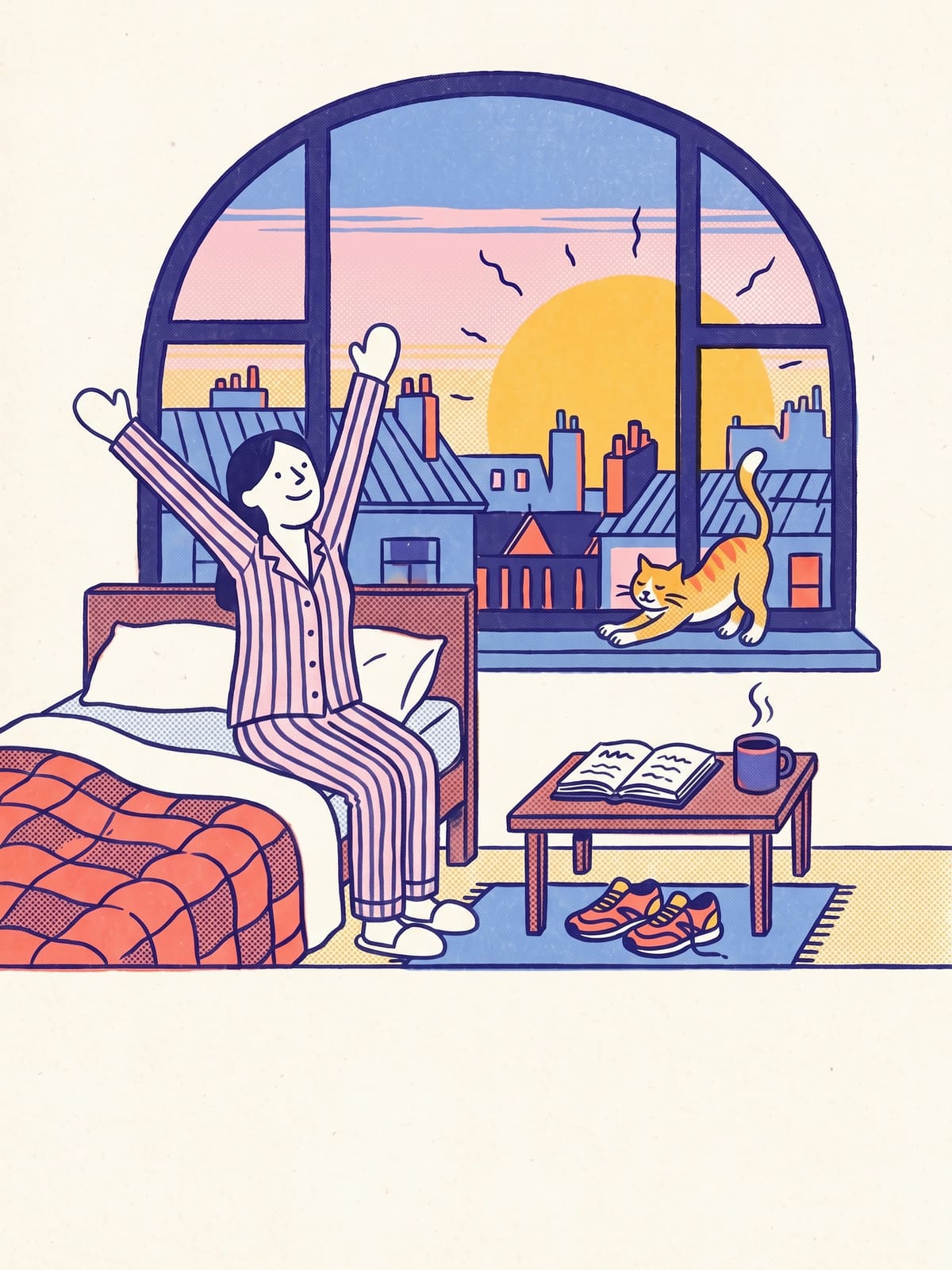
TL;DR: The best morning routine app starts your routine at the alarm, because a plan can't help while you're still in bed. Our pick is Daylino, coming soon to iPhone: no snooze, you turn it off by snapping a spot away from your bed, then you snap the first minute of your morning goal to show it has started. Step timers and habit coaches like Routinery and Fabulous only take over once you're already up.
A good morning routine app solves the part of your morning that actually fails, and for most routines that's the very start. The routine is planned, but the alarm gets switched off and the morning is gone. Every other step depends on that first minute.
This guide sorts morning routine apps into three kinds, explains why the routine should start with the alarm, and shows how to set one up so it sticks.
Three kinds of morning routine apps
1. Alarm apps that make you start. The routine begins with the alarm. You turn it off by doing something, like getting up or starting your first habit. This is the only kind that works before you're out of bed, and it's the kind Daylino is.
2. Step-by-step routine timers. You build your routine as a list of short steps, and the app runs them in order with a timer for each. They help once you're up, but they can't get you up.
3. Habit and coaching apps. These track several habits, often with guided programs, journaling, or short exercises. They give structure across the day, but the morning still depends on you getting out of bed.
Why your routine should start with the alarm
Look at where mornings usually go wrong:
- "I turn off the alarm and go back to sleep." A checklist can't help if you're still in bed. Daylino has no snooze and only stops when you're standing at your spot.
- "I get up, but I never get to the thing I planned." You need something that asks you to start that one thing, not a long list. Daylino's second snap does exactly that.
- "I start, but then I lose track of time." Once the first minute is done, the rest of the routine has momentum. Starting is the hard part.
Morning routine apps compared
- Daylino (our pick): an alarm that starts your routine, made by us and coming soon to the App Store for iPhone. It gets you out of bed and asks for proof that your first goal has started, so the routine actually begins.
- Routinery: a step timer. Its App Store page describes routines broken into 1 to 5 minute steps, each with its own timer, and a voice that calls out what comes next. It's free to download. It runs your steps once you've started, but it doesn't get you up.
- Fabulous: a habit and coaching app. Its App Store page lists a daily coaching series, a journal, short workouts and breathing exercises, and a goal tracker. It's free to download. It's built around guidance across the day rather than the moment you wake up.
Start with Daylino, because every routine depends on the first minute.
How Daylino works as a morning routine app
Daylino isn't a checklist app. It does two things: it gets you out of bed, and it gets your first planned thing started.
- Choose a morning goal. Exercise, read or study, plan or journal, meditate, breakfast, or your own.
- The alarm rings, with no snooze button. It rings through silent mode and Focus.
- Get up to turn it off. Snap a live photo of a spot away from your bed, like your sink or coffee maker. When it matches, the sound stops.
- Show your goal has started. Within two hours, snap its first minute: an open book, shoes on, a mat rolled out. You can snap it right away or tap Later, and Daylino sends one reminder ten minutes after you're up.
That second snap is what makes a morning count as started. If nothing starts within two hours, the day is marked "Up, not started," quietly and without a lecture.
Started mornings fill your week in gold with your own photos, and rest days never count against you. For meditation, the start is simply putting your phone face down for five minutes.
There's no account, and your snaps stay on your phone. When the phone isn't sure about a snap and you're online, a small copy is checked online and isn't kept. See the privacy policy.
Daylino is paid, with no free version. The yearly plan is $29.99 and starts with a 3-day free trial, and there's a one-time $59.99 lifetime option. It needs iOS 26 or later.
See how Daylino works. It's coming soon to the App Store.
How to make a morning routine app stick
- Start with one thing. A routine of ten steps is easy to abandon. Pick the one thing that would make the morning feel like yours, and let the app protect that.
- Make the first minute tiny. "Run 5 km" is a plan. "Shoes on" is a start. Track the start.
- Set the alarm for the latest time that works. A string of early alarms can teach you to ignore them. For more on this, see how to stop snoozing your alarm.
- Put the off switch out of reach. Read alarm apps that make you get out of bed for the options.
- Plan rest days. Decide which days are off before the week starts, so a rest day feels planned, not missed.
FAQ
What is the best app for a morning routine?
The best morning routine app is one that gets the routine started, not just listed. That's why we built Daylino: there's no snooze, you turn it off by getting up, and a second snap shows your first goal has started. Step timers like Routinery and coaching apps like Fabulous help later in the day, but only once you're up.
Is there a morning routine app that wakes you up?
Yes. Some alarm apps make you complete a task to turn them off. Daylino adds a second step: after you get up, it asks for a snap of your first morning goal to show it has started.
Do I need a morning routine app at all?
Not always. If paper or a phone reminder works, keep it. An app helps when you've planned the same morning many times and it keeps not happening.
Is Daylino free?
No. Daylino has no free version. The yearly plan is $29.99 with a 3-day free trial, or $59.99 once for lifetime. It's for iPhone with iOS 26 or later and is coming soon to the App Store.
Start with tomorrow
Write down the one thing you want your morning to include. Decide what its first minute looks like. Then let the alarm make sure it happens. Take a look at Daylino, coming soon to the App Store.