
Guides
How to Wake Up at 5am (and Actually Use the Hour)
Quick answer
To wake up at 5am, work your bedtime back from it, move earlier in small steps, put your alarm's off switch away from your bed, and decide the first 15 minutes the night before. Here's a step-by-step plan, and how Daylino helps the 5am hour stick.
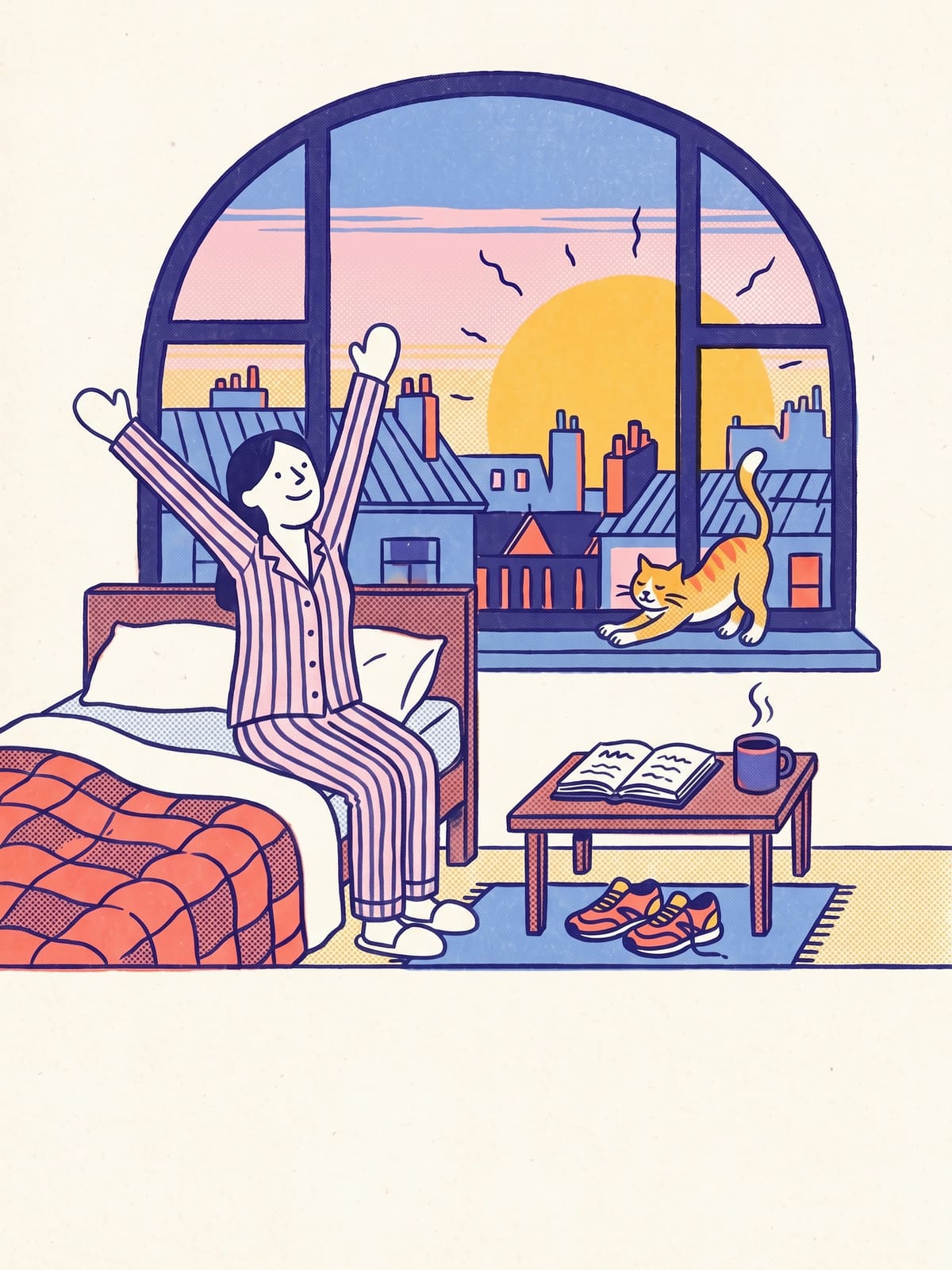
TL;DR: To wake up at 5am, start with bedtime: adults need 7 or more hours of sleep, according to the CDC, so 5am means lights out around 10pm. Move your alarm earlier in small steps, put the off switch somewhere you have to walk to, and decide tonight what the first 15 minutes will be. Daylino, the iPhone alarm we make, is built for that last part: no snooze, a snap of a spot away from bed to turn it off, then a second snap when your goal starts. It's coming soon to the App Store.
Wanting to wake up at 5am is usually about one thing: a quiet hour that belongs to you, before work, kids and messages start. A book. A side project. A plan for the day. A run.
The hard part isn't the alarm. It's the five minutes after it, when bed is warm and the reason you set it feels far away. This plan covers both: getting enough sleep to make 5am realistic, and getting from the alarm to the thing you wanted to do.
Step 1: Work back from 5am
Start with the number you can't skip. The CDC says adults aged 18 to 60 need 7 or more hours of sleep a night.
For a 5am alarm, that means:
- Asleep by 10pm for 7 hours.
- In bed by about 9:30pm if you take a while to fall asleep.
If that bedtime isn't possible right now, 5am isn't either. Pick the earliest wake time that still gives you 7 hours, and come back to 5am later.
The CDC also lists going to bed and getting up at the same time every day as a habit that helps sleep. Try to keep 5am on weekends too, or close to it.
Step 2: Move earlier in small steps
Jumping from 7:30 to 5:00 overnight is hard to keep up. Move your alarm 15 minutes earlier every few days instead, and move bedtime with it.
A simple schedule from a 6:30 start:
- Days 1 to 3: 6:15
- Days 4 to 6: 6:00
- Days 7 to 9: 5:45
- Days 10 to 12: 5:30
- Days 13 to 15: 5:15
- Day 16 on: 5:00
Step 3: Put the off switch away from your bed
If your alarm turns off with a tap from your pillow, 5am will lose to "five more minutes" most mornings. Make stopping it require standing up and walking somewhere.
You can put your phone across the room, or use an alarm that does it for you. That's the idea behind Daylino: the alarm stops only when you snap a live photo of a spot you chose, like the bathroom sink or the kettle.
Step 4: Decide the first 15 minutes tonight
"Get up early" isn't a plan. "Make coffee and read 10 pages at the kitchen table" is. Decide the night before, and set it up:
- Reading: book on the table, open to your page.
- Writing or side project: laptop on the desk, file already open.
- Exercise: clothes and shoes by the door.
- Planning: notebook and pen next to the kettle.
When the first step is ready, starting takes a minute instead of a decision.
Step 5: Prove the hour started
The quiet hour often disappears into email or a scroll on the couch. Give yourself a small check that the thing you planned actually began. A note in a journal works. So does a photo.
Daylino builds this in. Within two hours of waking, you take a second snap of the first minute of your goal: the open book, the open laptop, the shoes on.
How Daylino makes 5am stick
Daylino is an alarm you turn off by getting up.
- No snooze. It uses Apple's AlarmKit, so it rings through silent mode and Focus.
- Snap a spot away from bed. The sink, your toothbrush, the kettle, a glass of water, the inside of the fridge, or your made bed. With two or more spots, it rotates them.
- A second snap for your goal. Exercise, read or study, plan or journal, meditate (phone face-down for 5 minutes), breakfast, or your own.
- Kind on hard days. Rest days never count against you. If you're up but haven't started, you get one reminder 10 minutes after waking.
- Hard to ignore. If you silence it with the side button, it rings again a minute later, for up to 15 minutes.
- A week you can see. Your row fills gold with your own photos.
- Private. No account. Snaps are checked on your phone and kept only there. When the phone isn't sure and you're online, a small copy is checked online and isn't kept.
Price: there is no free version. The yearly plan starts with a 3-day free trial, then costs $29.99 a year. Lifetime is $59.99. Daylino is for iPhone with iOS 26 or later.
Start the morning you planned with Daylino. Coming soon to the App Store.
If your early hour is for training, read how to wake up early to work out. If you keep hitting snooze, start with how to stop snoozing your alarm.
FAQ
What time should I go to bed to wake up at 5am?
The CDC says adults need 7 or more hours of sleep. To wake at 5am, aim to be asleep by 10pm, which usually means in bed around 9:30pm.
How do I wake up at 5am without feeling tired?
Get your full sleep first, move your alarm earlier in 15-minute steps, and keep the same wake time most days. If you're always tired even with enough sleep, the CDC suggests talking to a healthcare provider.
Is waking up at 5am worth it?
Only if you have something you want to do with the hour. Decide what it is the night before, or the extra time tends to disappear.
What's the best alarm for waking up at 5am?
Our pick is Daylino: no snooze, it turns off when you snap a spot away from your bed, and a second snap shows your 5am goal started.
Is Daylino free?
No. There's a 3-day free trial on the yearly plan, then $29.99 a year, or $59.99 once for lifetime.
Start tomorrow
Set tonight's bedtime, put tomorrow's first step on the table, and pick a spot away from your bed. Then let Daylino handle the 5am part when it lands on the App Store.